![realbuzz_primary_rgb (10).png]](https://knowledge.realbuzz.com/hs-fs/hubfs/Logos/realbuzz_primary_rgb%20(10).png?height=40&name=realbuzz_primary_rgb%20(10).png)
Charities have a listing per event they are participating in - a listing is essentially the way you advertise your charity so you can generate applications from runners looking to support you. You can edit these listings autonomously including your logo, required fundraising (or pledge) target and the description of the benefits you offer to runners.
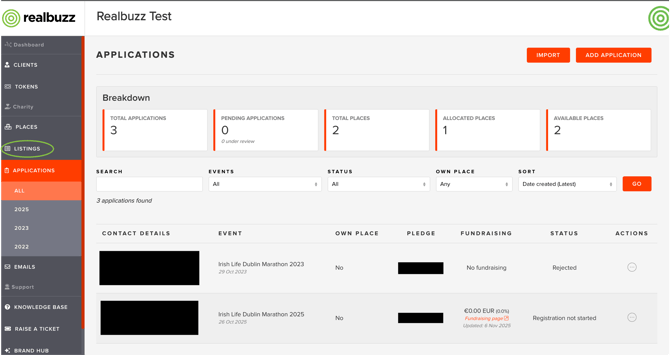
1. Go to the realbuzz Charity Console and select 'Listings' from the sidebar
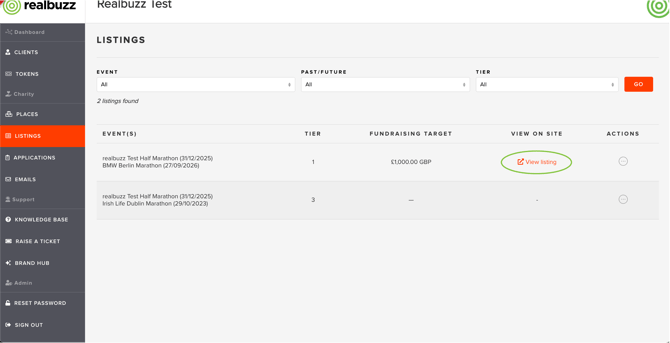
2. For events you are participating in, you'll see a 'View Listing' option
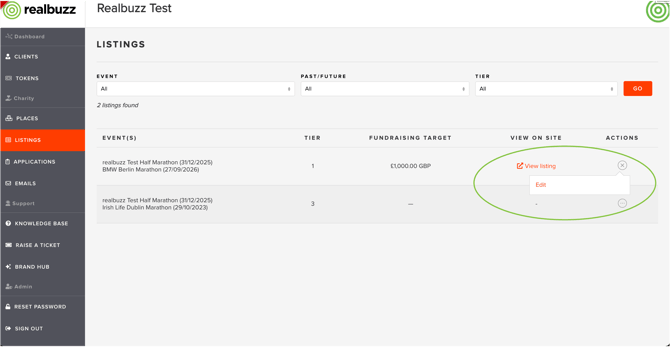
3. Open the '...' action menu to select the 'edit' option. If an event has passed, you won't be able to edit the listing but you can view it, should you wish to copy any information over.
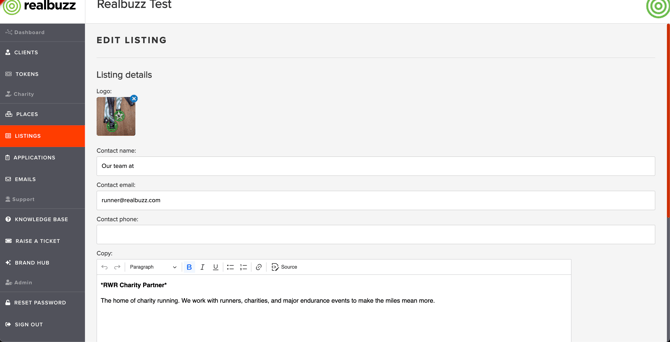
4. You'll see the different sections you can edit including contact information and charity bio. Dependent on the tier of your package, you may or may not have a bio - if not, this field will not show.
You can also edit pledge information:
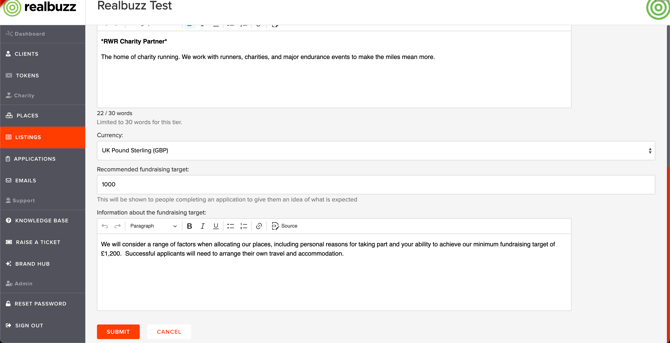
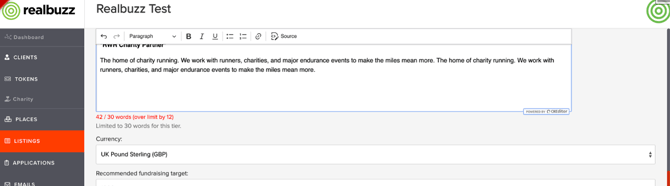
Please note, depending on your package tier, you have a maximum word count for your listing. You will see this warning message if you go over your word count and will need to reduce the text before you can save the listing.
Once your listing is updated, our dedicated Charity Support Team will get a notification to check and approve it. This is to ensure that the listings are being used correctly and that there are no errors or inappropriate content. You will be notified in advance if any changes are required.